Where is the problem?
Compare campaigns and visitor journeys. →
Show what happened after the click, and why it matters.
No ad-account connection needed to start.
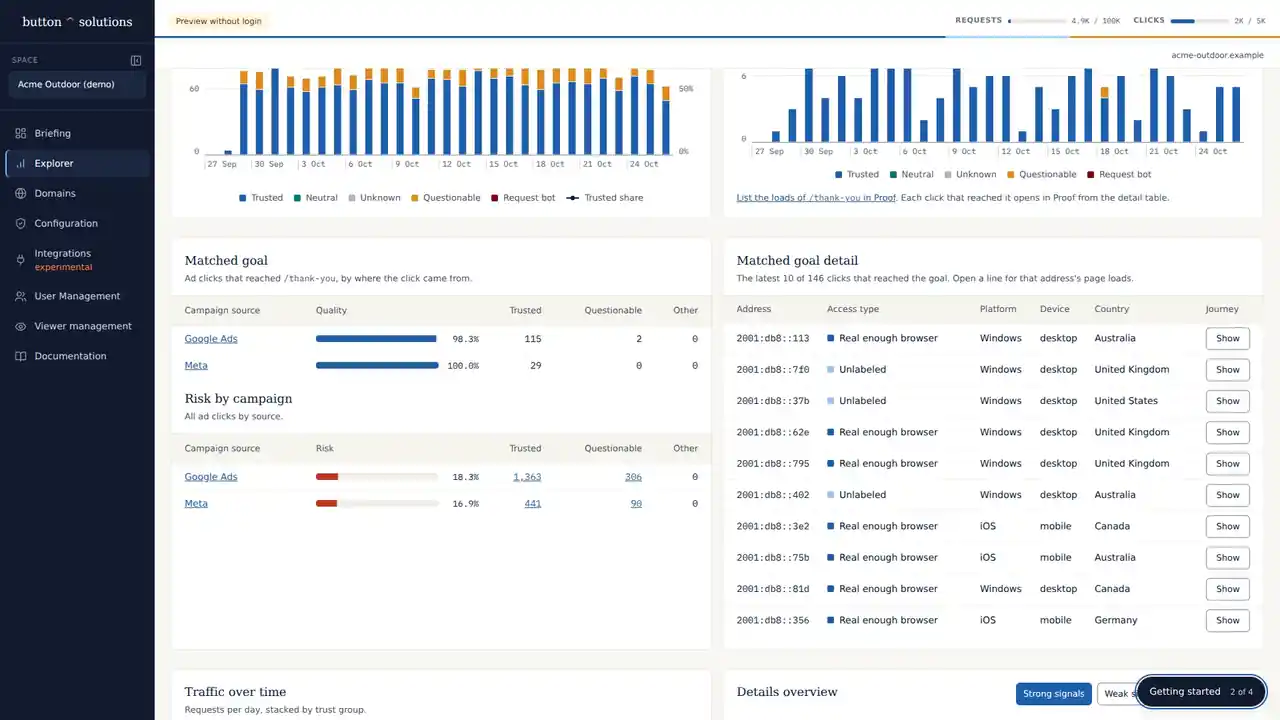
Compare campaigns and visitor journeys. →
Check the evidence before assigning blame. →
Share the finding, its limits and the next check. →
Add as many verified sites as you need. Their combined clicks and requests count against one plan.
See pricing →Access to add one script to their site, directly or through Google Tag Manager. Not their ad account. Nothing is blocked while you observe.
Installation guide →Each site's Briefing sets out what was found, how strong the evidence is, what it doesn't show, and the next check.
How the evidence is gathered →Button gives you inspectable evidence you can explain to a client. It doesn't make ad-platform billing decisions or export client reports automatically.
Explore Ad HealthStart investigating →