the non-obvious obvious
Let's talk about the obvious.
Intro
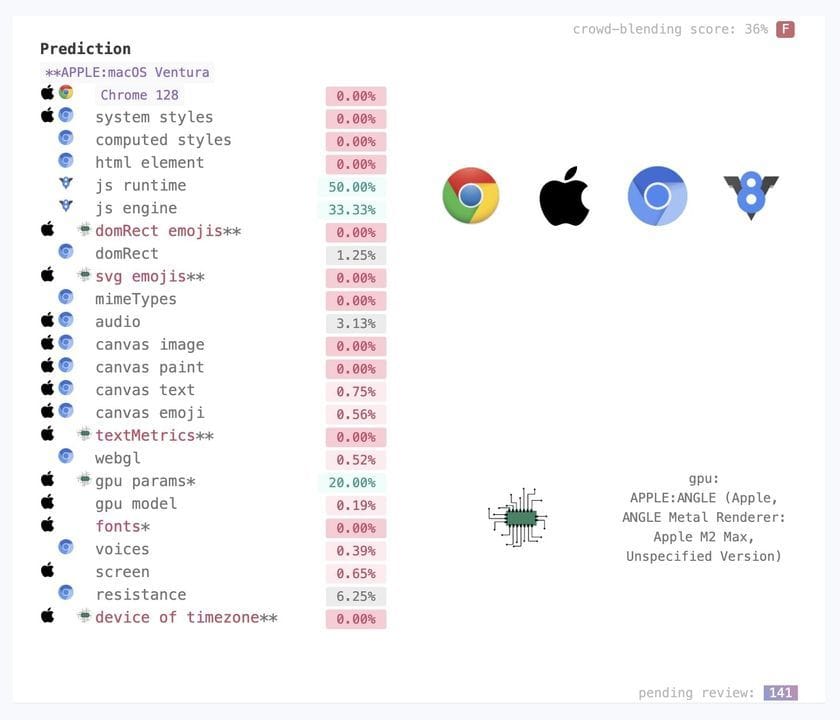
If you don't know what this is, you don't really know how to block bots.
There are a lot of good sensors here - and it is very hard to spoof them all, perfectly.
But there's another issue here, and that is that if you're only blocking on signals like these, you end up with an ml nightmare classifier that gives you a bot score - a percentage likelihood.
These statistically based bot scores are not so useful without honeypots, because most of the internet access is now automated (Imperva Bot Report, 2025)
Browser Fingerprinting 101
Each section in the creepjs check page is a tool with which we can see bots. Which we do want to see, unless you like flying blind, wondering why half your users bounce with zero time interaction - even though they are from the United States rather than China.
The most obvious, and strongest signals, are those in this section (from a Linux Chrome browser):

Compare this to an emulated iOS based visit (browserstack):
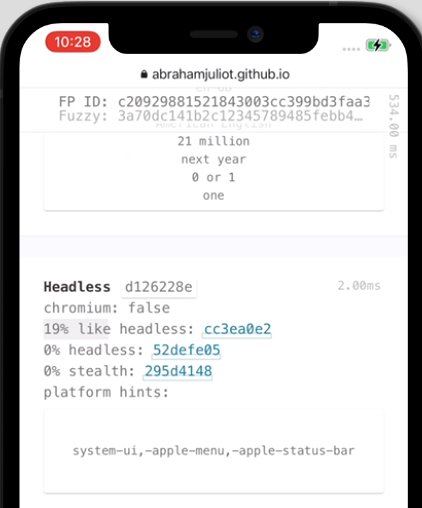
And a Brave browser visit:
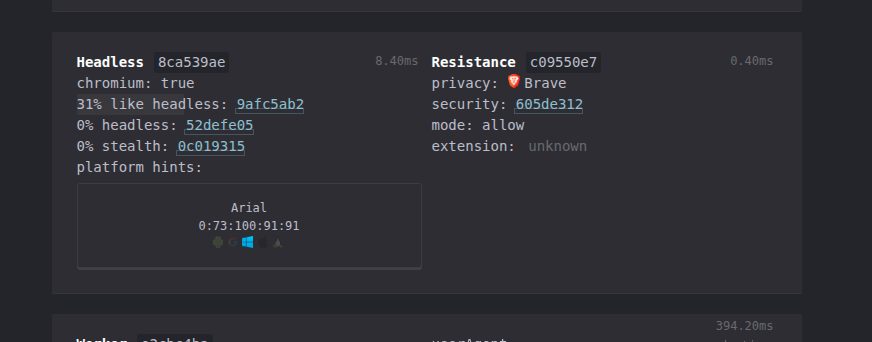
we already have some tools just from one section. It's really important when doing fingerprinting to know:
- Where you are running - is it an ip that is compromised in some way, or low trust?
- Is it a datacenter ip?
- Is there some sort of indication of proxy usage, like tor or residential proxies?
- Most importantly, is it some trusted ip, like google's crawler ips? (One such range is here: https://developers.google.com/static/search/apis/ipranges/googlebot.json)
- What claims does the browser environment have?
- Connection claims, like tls - is it really a browser? What type?
- Header claims, which can include ordering of headers and inconsistencies in content
- And most importantly for us, javascript / wasm claims. These are the most commonly spoofed, with tools like puppeteer stealth doing a lot of heavy lifting for you.
The rest is commentary.